
Tag: DDoS attack

  • What’s New in Cybersecurity This Week: Projects, Videos, Articles & Podcasts I’m Following – 11/17/25

    What’s New in Cybersecurity This Week: Projects, Videos, Articles & Podcasts I’m Following – 11/17/25

    Welcome to my weekly cybersecurity roundup! Here, I share updates on the projects I’m currently working on, along with the most insightful cybersecurity videos I watched, articles I found valuable, and podcasts I tuned into this week.

    Featured Analysis

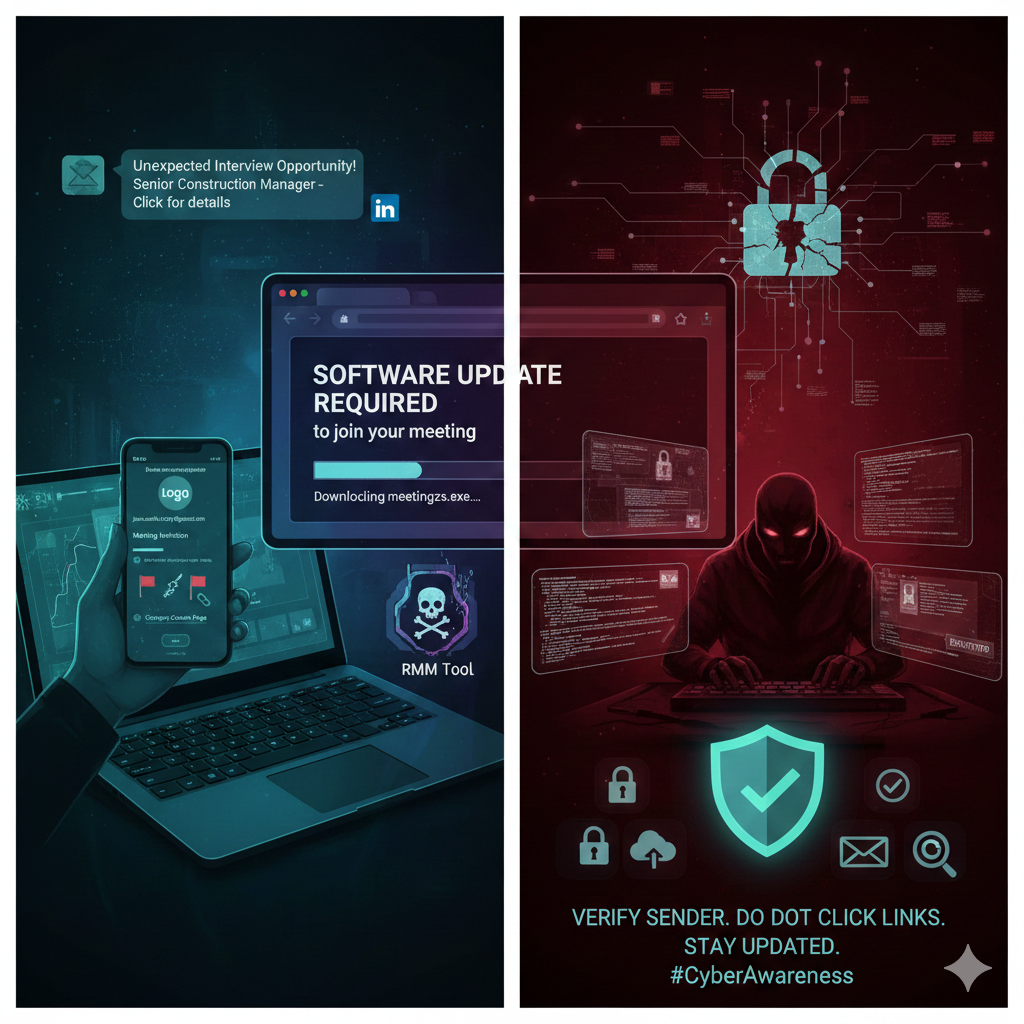
    Featured article analysis: Be careful responding to unexpected job interviews

    This article from Malwarebytes Labs deconstructs a sophisticated social engineering scam that leverages the allure of an unexpected job opportunity to trick victims into installing malicious software. The attack begins with a message on LinkedIn or a similar platform, followed by a professional-sounding email that invites the target to a virtual interview for a position like “Senior Construction Manager.” While the attackers meticulously impersonate a real employee of a legitimate company, initial red flags were evident: the contact email originated from a generic Gmail address instead of a corporate domain, and the specified job opening did not exist on the company’s official careers page. This initial phase is designed purely to establish trust and lure the victim into the next, more dangerous stage of the attack.

    The core technical threat emerges when the target, having expressed interest, receives a follow-up “meeting invitation” email. This email contains a highly suspicious, shortened link that redirects the user to a malicious domain, such as meetingzs.com. The purpose of this site is to prompt the user with a deceptive message, claiming they must install a software update for their meeting application (like Zoom or Teams) to participate in the interview. In the observed case, this download was identified as an executable file associated with a legitimate Remote Monitoring and Management (RMM) tool like LogMeIn Resolve. Crucially, while the tool itself is not malware, granting a cybercriminal access to install and use an RMM tool provides them with a direct and persistent backdoor onto the victim’s device, allowing them to execute ransomware payloads or conduct further network reconnaissance.

    Ultimately, this incident serves as a crucial warning about the increasing reliance on social engineering as the primary means for attackers to gain initial access to corporate or personal systems. The article emphasizes that recognizing these carefully crafted scams is the best defense. Users must adopt a high degree of skepticism toward all unsolicited communications, especially those demanding immediate action like clicking a link or installing software. The recommended safety measures are straightforward but vital: independently verify the sender and context of unexpected invitations, avoid clicking links or downloading attachments from unverified sources, and maintain rigorous cyber hygiene by keeping operating systems, software, and real-time anti-malware solutions fully updated to patch vulnerabilities.

    Projects

    • TryHackMe – CAPA: The Basics – In Progress

    Videos

    Articles

  • What’s New in Cybersecurity This Week: Projects, Videos, Articles & Podcasts I’m Following – 5/19/25

    What’s New in Cybersecurity This Week: Projects, Videos, Articles & Podcasts I’m Following – 5/19/25

    Welcome to my weekly cybersecurity roundup! Here, I share updates on the projects I’m currently working on, along with the most insightful cybersecurity videos I watched, articles I found valuable, and podcasts I tuned into this week.

    Featured Analysis

    Featured article analysis: Data-stealing Chrome extensions impersonate Fortinet, YouTube, VPNs

    This article from BleepingComputer details a significant and concerning campaign involving over 100 malicious Google Chrome extensions designed to steal user data and execute remote scripts. These extensions cleverly impersonate legitimate and popular tools such as VPNs, AI assistants, crypto utilities, and even specific brands like Fortinet and YouTube. By offering some of the promised functionality while simultaneously operating covertly in the background, these extensions deceive users into granting them broad permissions. This allows the threat actors to pilfer browser cookies, including sensitive session tokens, perform DOM-based phishing attacks, inject malicious JavaScript, and even modify network traffic for purposes like ad delivery, redirection, or proxying user activity through their own servers.

    The discovery by DomainTools highlights the scale of this operation, with over 100 fake domains created to promote these malicious extensions, likely through malvertising campaigns. These websites feature seemingly legitimate “Add to Chrome” buttons that directly link to the malicious listings on the Chrome Web Store, lending a false sense of security and authenticity. The article provides a list of several of these deceptive domains, showcasing the wide range of impersonated services and brands. While Google has reportedly removed many of the identified extensions, the fact that some still persist underscores the challenges in rapidly detecting and eliminating such threats, as well as the actors’ determination to remain active.

    The potential consequences for users who install these malicious extensions are severe, ranging from account hijacking and personal data theft to comprehensive monitoring of their browsing activities. The article emphasizes that these extensions essentially create a backdoor within the infected browser, granting attackers extensive control and the potential for further exploitation. Alarmingly, the stolen session cookies could even be used to compromise legitimate VPN devices or accounts, providing a pathway to infiltrate corporate networks and launch more damaging attacks. The article concludes with crucial advice for users: exercise caution by only trusting reputable publishers, carefully reviewing user reviews for any suspicious signs, and remaining vigilant about the permissions requested by browser extensions.

    Projects

    • TryHackMe – Public Key Cryptography Basics – In Progress

    Videos

    Articles

    Podcasts